01 / ZERO IOUs
Pool the money before the bill is paid
Instead of logging expenses into a ledger and chasing friends weeks later, Plurel collects everyone’s share upfront so the organizer fronts $0.00.
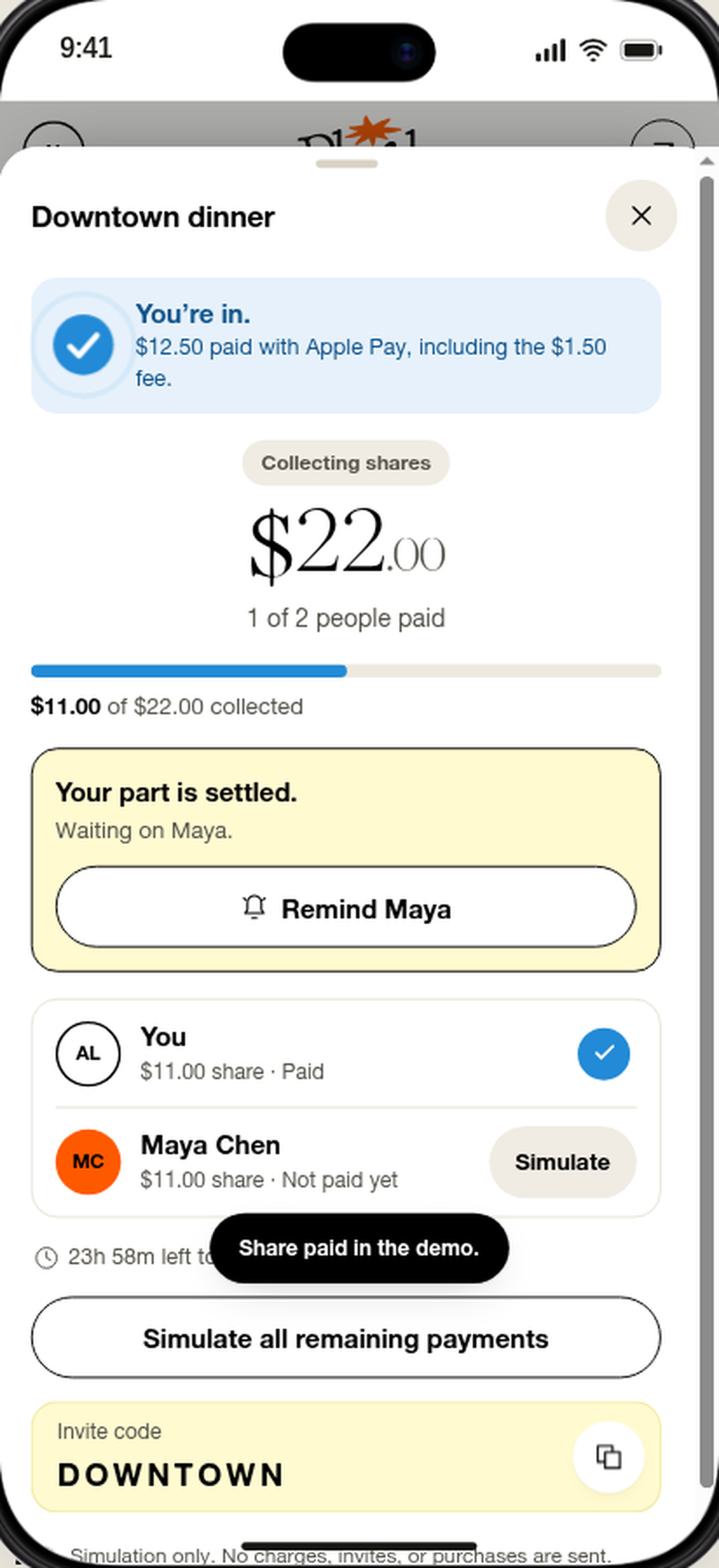
Instead of logging expenses into a ledger and chasing friends weeks later, Plurel collects everyone’s share upfront so the organizer fronts $0.00.
Whether it’s an equal 4-way Airbnb split, an itemized dinner receipt with auto-proportioned tax and tip, or custom shares, Plurel calculates every cent upfront.
Drop one Plurel link in iMessage, WhatsApp, or SMS. Friends tap to pay their share in their browser with Apple Pay, Google Pay, or any card.
Traditional bill splitters are post-purchase calculators. Plurel is an upfront group payment card.
| Feature / Capability | Plurel (Spring 2027) | Splitwise | Tricount / Settle Up | Venmo / Cash App |
|---|---|---|---|---|
| When money is collected | Upfront before paying the bill | After one person fronts the bill | After one person fronts the bill | After one person fronts the bill |
| Amount fronted by organizer | $0.00 (Zero personal risk) | 100% of the bill upfront | 100% of the bill upfront | 100% of the bill upfront |
| Do friends need the app? | No — browser link with Apple/Google Pay | Yes — mandatory app & account | Yes — app or account required | Yes — everyone needs an account |
| Payment card included? | Instant Virtual Debit Card (Apple & Google Wallet) | No (IOU calculator only) | No (IOU calculator only) | Personal P2P balance |
| If someone doesn't pay | Every share is refunded automatically | Organizer is stuck chasing IOUs | Organizer is stuck chasing IOUs | Organizer is stuck chasing requests |
| Split modes | Evenly, By Item (auto tax & tip), Custom | Evenly, shares (Itemized requires Pro) | Evenly, custom shares | Manual calculation |
Every friend group has a default treasurer—the person who puts down their card for the Airbnb, the concert tickets, or the 8-person birthday dinner, and then spends the next two weeks sending awkward Venmo reminders.
Plurel fixes the root cause of group expense friction by moving the split before the transaction. You set the total in the Plurel app, pick Evenly, Custom, or By Item, and share a link. Each friend authorizes their share in their mobile browser. The moment 100% of shares arrive, your Plurel virtual debit card unlocks in Apple Wallet and Google Wallet for the exact funded amount.